Find the smallest useful promise.
Describe the help a person gets in one ordinary moment, before listing the features around it.
Field guide / mobile products
Kudepaxi is an information-led mobile app development studio journal: practical ways to frame a problem, design a small system, test its edges, and keep the release legible.
This is a general information site. It does not offer app downloads, project bookings, prices, or availability.

Describe the help a person gets in one ordinary moment, before listing the features around it.
Loading, waiting, saving, changing: mobile screens should explain what is happening, not leave a blank guess.
Animation and colour can guide attention, but they should not disguise consent, cost, or irreversible action.
The pocket path
Use this map to keep the work grounded. Each phase has a question, a useful artefact, and a decision worth recording.
Notice the moment
Write down who is trying to do what, in what situation, with what constraint. A short scene helps separate the actual need from the interface a team already imagines.

Frame one visit
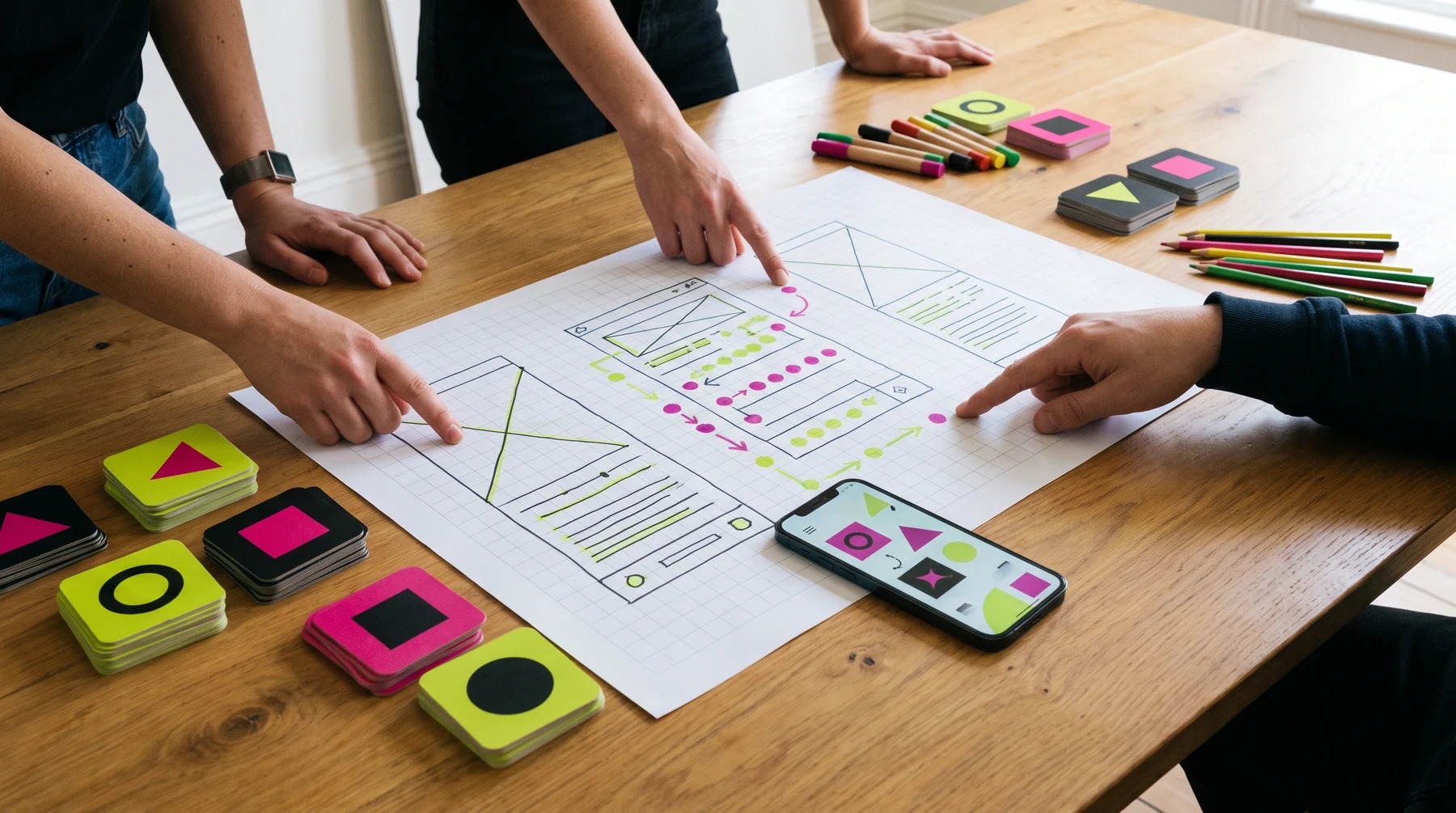
Before detailing every screen, map the minimum path: where a person arrives, the decision they make, the feedback they receive, and how they leave with confidence.
Make the system
Build a clear family of type, spacing, actions, feedback, and error states. Reuse makes a mobile product easier to learn, while context keeps a repeated component from becoming a vague shortcut.

Learn after release
A release opens a new round of observation. Look for a place where someone hesitates, abandons, repeats a step, or asks for reassurance, then return to the smallest relevant part of the journey.

The screen is a conversation
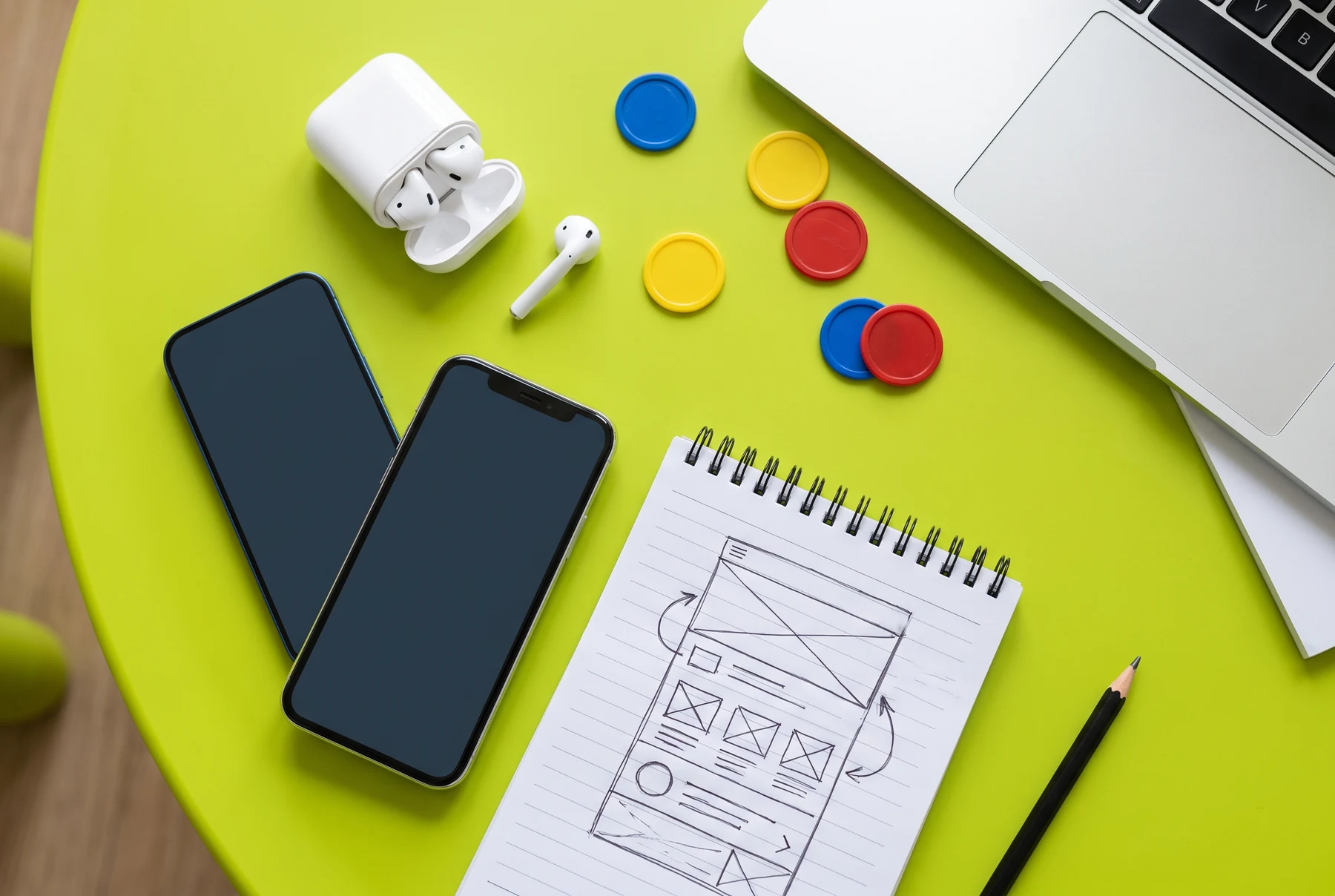
Every screen borrows attention. Give it a role: orient, choose, enter, review, correct, or finish. When the role changes, say so in the hierarchy rather than hoping a person will infer it.
A screen should revealwhere someone is and why it matters.
An action should revealwhat will change before it changes.
A response should revealwhat happened and what remains possible.
The useful constraints
Place frequent actions where a person can use them without stretching or repositioning the device every moment.
Give the primary task a clear visual home. Support actions can remain available without competing for the same attention.
Make back, undo, save, retry, and “not now” choices visible when their absence could trap someone in a bad state.
Use labels that explain a consequence. A concise verb is helpful only when the object and outcome are already clear.
Field signals
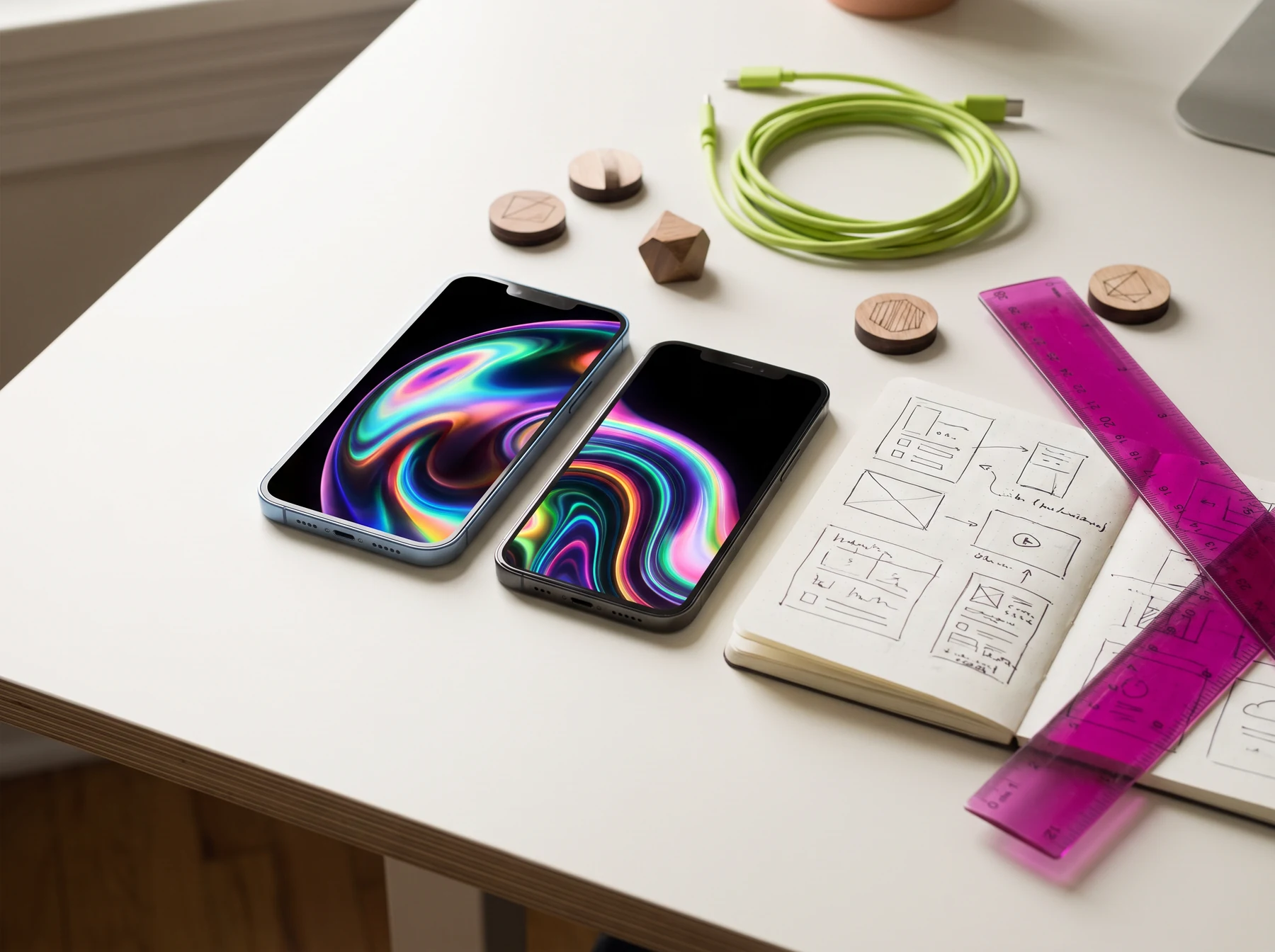
Prototype sessions are useful when the question is precise. Instead of asking whether someone likes a screen, watch where they wait, what they repeat, and what they try to explain back to you.
Give a short, ordinary context rather than a perfect script.
Wait before helping. A pause can show where the interface did not introduce itself.
Afterward, ask what they believed would happen at the key moment.
Shape a release note
Select a change type and a confidence level. The card offers a communication prompt; it is not a claim about a real release or performance result.
Under the surface
Permissions, offline moments, device differences, data states, support language, and error recovery each shape whether a person can complete the visible task with confidence.
Read the release notesSize, battery, connection, orientation, keyboard, and interruption can change the same screen’s meaning.
Ask only when the reason is present, and explain the choice in a way that does not corner the person.
When something fails, preserve useful work where you can and offer a concrete next path.
The workbench

A short record of what changed and why is useful when a small mobile detail returns months later.
Empty, loading, error, delayed, and interrupted states deserve as much care as the happy route.
After each build, choose the next uncertainty to resolve rather than inventing a broad “improvement” list.

Release notes for people
Describe the task or moment affected before naming a feature or internal project label.
Do not turn a small adjustment into a promise about every person, device, or situation.
Include the relevant support path, settings route, or next step for someone who needs a little more context.
Questions, not pitches
Kudepaxi shares general mobile product development notes. It does not represent an app store, software vendor, staffing agency, or download service.
Send a field note
This contact form prepares an email draft in your browser. Kudepaxi does not send it automatically, store the contents, or turn it into a development request.
[email protected]